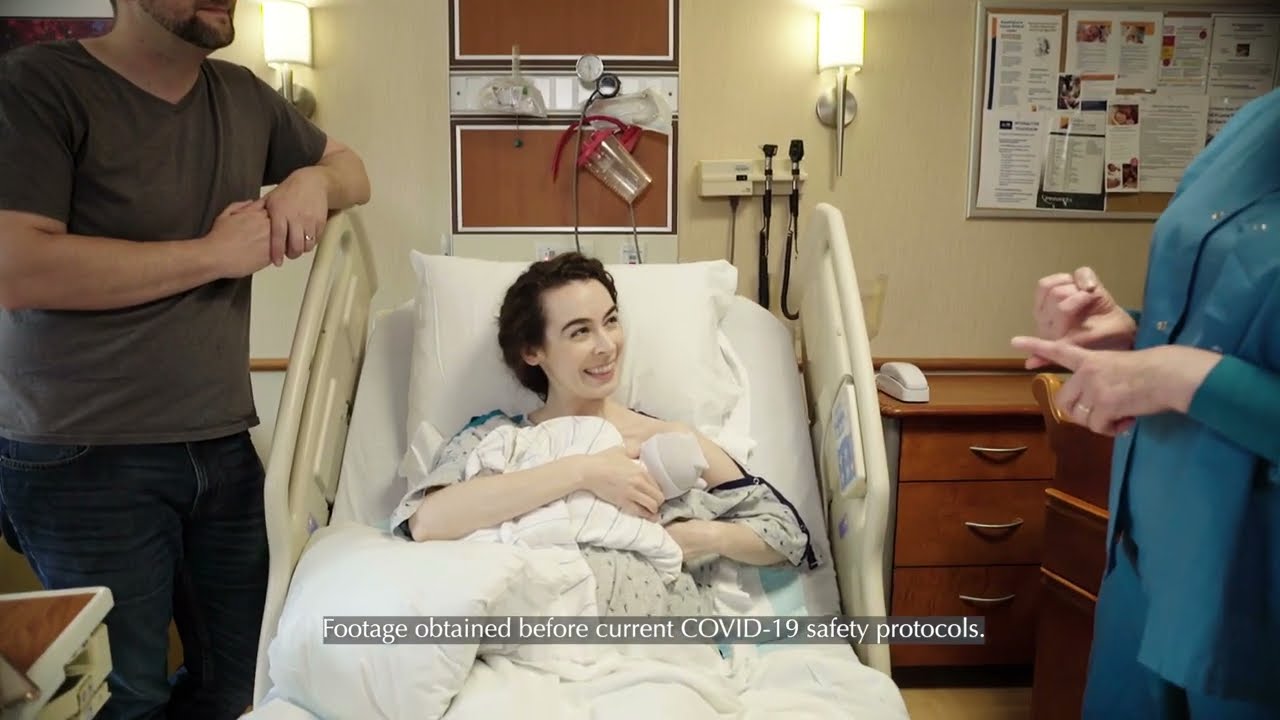
| When conventional childbirth education classes are not a possibility due to bed rest, scheduling conflicts or time constraints, Chilton Hospital has a convenient solution - eLearning Childbirth Education!
The eLearning program is an interactive, Web-based tool that contains animated illustrations, videos, voice-overs and games. It's great for first time parents and is useful as a refresher course for repeat parents. Click on our online demo to the right to take a test drive!
Already registered for eLearning Education? Log in here.
The eLearning program includes:
•Access for a 90-day period, beginning from the date of your initial use. You will receive an access code and instructions after you register and pay for the class. Class Fee:
•$200 for 90-day access
Topics include: Childbirth education and labor support Discomforts of pregnancy Labor guide Caring for yourself postpartum Feeding your newborn Caring for your newborn Useful information about your stay at Chilton’s MotherBaby Center, if applicable
Registration/Questions: Call Chilton Hospital Parent Education at 973-831-5475. Please Note: If you should experience any pain or bleeding, or believe that there is something wrong with your pregnancy, call your health care provider immediately, go to your hospital's emergency room, or dial 911 for help.
FAQs/Troubleshooting:
1. What is the eLearning program? The Gift of Motherhood eLearning program is a flash-based online book that will allow you to understand all aspects of pregnancy.
2. What do I need in order to view the book? You’ll need the most recent version of Adobe Flash, a fast internet connection (DSL, Cable or other broadband) and Adobe Reader. You’ll also need a computer with sound and speakers or headphones to hear the audio.
3. How do I use it? Read the eBook just like you would a traditional book – click on the edge of the book to turn the page. Also, be sure to click on all of the icons to learn more. Some icons open a movie or animation, others give you added information. If you see a word in green, you can move your mouse over it to learn the definition.
4. What if I’m having difficulty with the eBook? First, make sure your internet connection is working by visiting some other websites. Then, make sure you have the newest version of Adobe Flash. You may need to uninstall the previous version of Flash before you install the new version. For instructions on how to uninstall Flash, visit their support site here.
5. What if I can’t see anything? It may take a few minutes for the program to load. When internet access is slow, the eBook may load more slowly than normal. If, after a several minutes, nothing appears, try restarting your computer.
6. What if the videos don’t work? Give the videos a moment to load and make sure you have the latest version of Flash. If it still doesn’t work, try restarting your computer.
|